Exploring Character Creation Tools in Roblox: Tips and Tricks
Exploring the World of Character Creation in Roblox
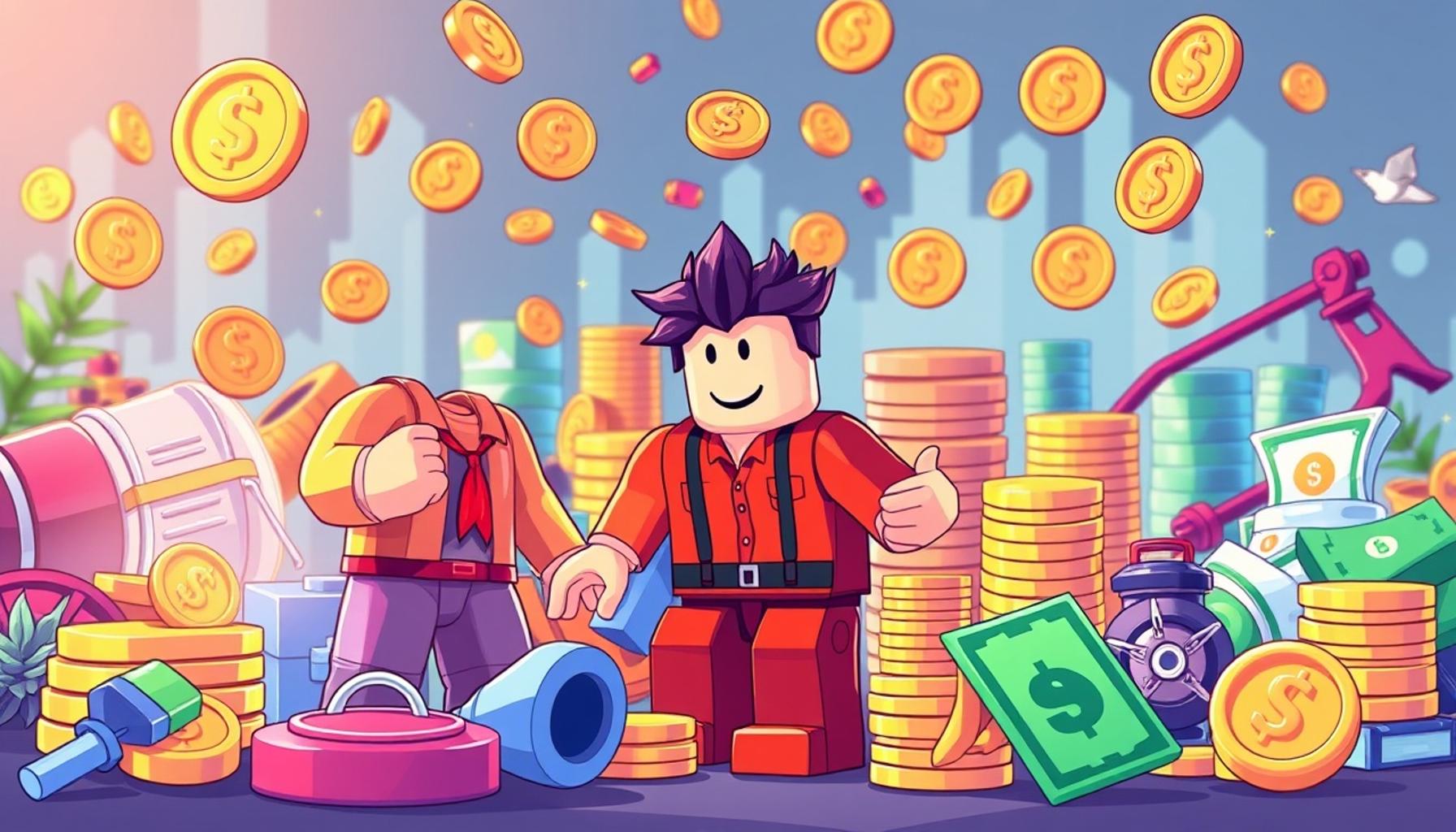
The world of Roblox is thriving with creativity, enabling millions of players to express their unique personalities through customizable avatars. This platform offers a plethora of tools that empower users to craft a character that embodies their vision or style. Understanding how to navigate these tools effectively can vastly enhance your gaming experience and make your avatar truly stand out in the bustling community.
Understanding the Avatar Editor
The Avatar Editor is the most essential feature for customizing your character. It provides a straightforward interface where you can transform your avatar’s look with just a few clicks. You can adjust features such as skin tone, body shape, and even facial expressions to fit your personality or the character you want to portray. For instance, if you want to create a heroic character, you may opt for a muscular build with a determined face, while a playful character may have a rounder shape and an expressive smile.
Diverse Clothing Options
When it comes to clothing options, the possibilities are virtually limitless. Roblox offers a vast catalog of shirts, pants, and accessories ranging from casual wear to elaborate costumes. You can find everything from t-shirts showcasing your favorite video game logos to elegant dresses suitable for a virtual ball. Players can also create their own clothing designs if they have creative flair, allowing for an even more tailored look. For example, a player might design a superhero suit in their favorite colors, complete with a matching cape and mask, truly personalizing their in-game experience.
Enhancing Gameplay with Animation Packs
Another exciting aspect of character customization is the ability to add animation packs to give your avatar a personality boost. These packs provide various animations for actions such as walking, dancing, or emotes, transforming the gameplay experience. For instance, equipping a “sassy walk” animation pack will infuse more personality into your character as they traverse the game world. Using animations that align with your avatar’s theme can create a cohesive storytelling experience, making your character more memorable to other players.
Tips for Creating Standout Characters
To truly unlock your creative potential, mastering the art of mixing and matching items effectively is crucial. Consider color coordination: contrasting colors can make a bold statement, while similar tones can create a more harmonious look. For example, pair a neon green shirt with dark jeans for an edgy vibe, or opt for pastel colors for a softer, more whimsical appearance. Understanding how different items complement each other can lead to visually appealing avatars that capture attention.
With practice and exploration, anyone can become adept at utilizing the character creation tools Roblox offers. The journey of creating your unique avatar is not just about aesthetics; it’s about expressing who you are in a vibrant digital space. This article will detail each step of the character creation process, providing actionable advice to simplify what may initially seem like a daunting task. With our guidance, you’ll be equipped to craft characters that not only resonate with you but also contribute to the rich tapestry of the Roblox universe.
CHECK OUT: Click here to explore more
Unlocking the Secrets of Accessories and Gear
One of the most exciting aspects of character customization in Roblox is the ability to add accessories and gear to your avatar. Accessories can range from hats, glasses, and scarves to wings and even more elaborate items. Adding the right accessories not only enhances your character’s visual appeal but can also create a unique identity that resonates with fellow players.
Utilizing Free and Paid Options
The Roblox platform provides both free and paid accessories, allowing users to customize their avatars regardless of their budget. Free items often rotate on a weekly basis, giving players the chance to accumulate a diverse wardrobe over time. Meanwhile, the Robux currency can be used to purchase exclusive and trendy accessories from the Avatar Shop. Here’s how you can make the most out of both options:
- Check Regularly for Free Items: Keep an eye on newly released free accessories to ensure your avatar stays fashionable without spending any money.
- Invest in Timeless Pieces: Consider purchasing versatile accessories that can mix and match well with different outfits, such as a classic fedora or stylish crop top.
- Participate in Events: During special Roblox events, players often receive exclusive accessories that can enhance the uniqueness of their avatars.
Understanding Accessory Layering
Layering accessories on your avatar can create a more complex and interesting look. However, there are rules to keep in mind to ensure a polished appearance. For example, wearing too many items in the same area (like multiple hats or a combination of masks and hats) can clash visually. Instead, select a few pieces that complement each other. Imagine combining a cool pair of sunglasses with a stylish beanie for an urban look, or pairing a flowing cape with a knight’s armor for a heroic appearance.
Playing around with accessory combinations allows you to experiment and discover what best conveys your character’s story or style. Just like in real life, the right combination of accessories can dramatically change your avatar’s presence in the game.
Finding Inspiration within the Community
The Roblox community is a treasure trove of inspiration when it comes to avatar design. Browsing through player profiles, social media platforms, and forums can expose you to creative ideas that spark your imagination. Take notes on combinations you admire and try recreating them with your own twist. Additionally, joining community groups or following popular Roblox creators can keep you updated on the latest trends and accessories available in the Avatar Shop.
As you delve deeper into character creation, remember that the goal is to express your unique identity. Experimentation is key, and don’t hesitate to try out different styles until you find what feels right. Embrace the creative process, and soon your avatar will not only reflect your individual style but will also stand out in the vibrant world of Roblox.
CHECK OUT: Click here to explore more
Mastering Animations and Emotes
In addition to customizing your avatar’s appearance with accessories, another crucial aspect of character creation in Roblox involves animations and emotes. These tools allow your avatar to express emotions and communicate with other players in the game world, adding depth to your character’s persona.
Understanding Animation Packs
Roblox offers a variety of animation packs that change the way your character walks, dances, or performs actions. These packs provide a new dimension to your avatar, emphasizing traits such as elegance, silliness, or toughness. Here are some tips to effectively utilize animation packs:
- Choose Packs That Reflect Your Character: If your avatar is a warrior, opt for animation packs that convey strength and confidence; conversely, a playful character may benefit from softer, light-hearted animations.
- Mix and Match: Experiment with combining different animations for unique motions. For instance, you could use a casual walk animation but mix it with a dramatic jump animation to create an intriguing and dynamic avatar appearance.
- Stay Updated: Keep an eye out for new animation packs added regularly to the Avatar Shop. Engaging with the latest animations can keep your character fresh and appealing.
Using Emotes for Interaction
Emotes are another key feature that enhances player interactions within Roblox. These predefined gestures and expressions can make gameplay more engaging and fun. From waving to dancing, emotes can communicate feelings that text alone cannot express. Here’s how to effectively use emotes:
- Limit Your Options: While it can be tempting to use multiple emotes, carefully selecting a few that align with your avatar’s personality will create a more cohesive character experience.
- Engage in In-Game Events: Many games on Roblox feature activities where emotes can be used creatively, such as special dances at parties or celebrations. This not only enhances gameplay but also helps forge connections with other players.
- Observe Popular Players: Pay attention to how frequently others use emotes in different contexts. This can provide insight into when and how to integrate them into your greeting or role-playing scenarios.
Creating Custom Emotes
For the more technically inclined, creating custom emotes can be a rewarding endeavor. These allow for personalization that reflects your character’s unique quirks and flair. Custom emotes can be developed through Roblox’s animation tools, allowing users to build new poses or actions that can be paired with specific animations or movements.
If you’re interested in creating your own emotes, here’s a simple approach to get started:
- Start with a Template: Utilize existing animations as a base to understand the parameters of movement and timing. This will make it easier to craft custom animations that feel seamless.
- Focus on Details: Small adjustments can make a significant difference. Pay attention to the fluidity of movements and how they transition from one pose to another.
- Test and Refine: Use the testing features in Roblox Studio to refine your emotes. Gather feedback from friends in the community to improve your animations before finalizing them.
By mastering animations and emotes in Roblox, you’re not just making your avatar visually striking; you’re also enriching the gaming experience. The ability to express yourself non-verbally leads to more meaningful interactions and can help foster friendships within the expansive Roblox community. Keep experimenting, and have fun as you uncover the full potential of your character’s capabilities!
SEE ALSO: Click here to read another article
Conclusion
In conclusion, exploring the character creation tools in Roblox opens up a world of creativity and self-expression. From customizing your avatar’s appearance with a wide range of outfits and accessories to mastering animations and emotes, each feature plays a vital role in shaping a unique character that stands out in the vast Roblox universe. Remember that your avatar is an extension of your imagination, so take the time to play around with different customization options.
As you refine your skills, pay attention to details like animation packs that resonate with your character’s persona, and use emotes to communicate more effectively with other players. The ability to create custom emotes adds another layer of personalization, allowing you to express your character’s individuality even further. Don’t shy away from experimenting; it’s through trial and error that you’ll discover combinations that truly define your avatar.
Lastly, the Roblox community is vast and supportive. Engage with fellow players, garner feedback, and learn from their experiences. By continuously evolving your character and embracing new elements within the game, you not only enhance your gameplay but also create lasting connections with others. So dive into character creation today, and let your imagination lead the way!
Linda Carter
Linda Carter is a writer and digital content expert specializing in the world of Roblox and its many creative and interactive possibilities. With extensive experience helping users and fans explore the platform, understand its features, and make the most of everything it offers, Linda shares her knowledge on our platform. Her goal is to provide readers with practical tips, useful ideas, and effective strategies so they can enjoy a more complete, informed, and engaging experience on Roblox.